Using Polydev with Cursor
Get multi-model AI perspectives directly in Cursor. When you need different viewpoints on a bug, architecture decision, or code review, Polydev queries multiple AI models in parallel.
Works across all IDEs: Polydev uses the universal Model Context Protocol (MCP) standard. The same MCP server powers Cursor, Claude Code, Windsurf, Cline, and Codex CLI. Just add it to your MCP config and mention "polydev" or "perspectives" in any prompt.
npx polydev-ai@latest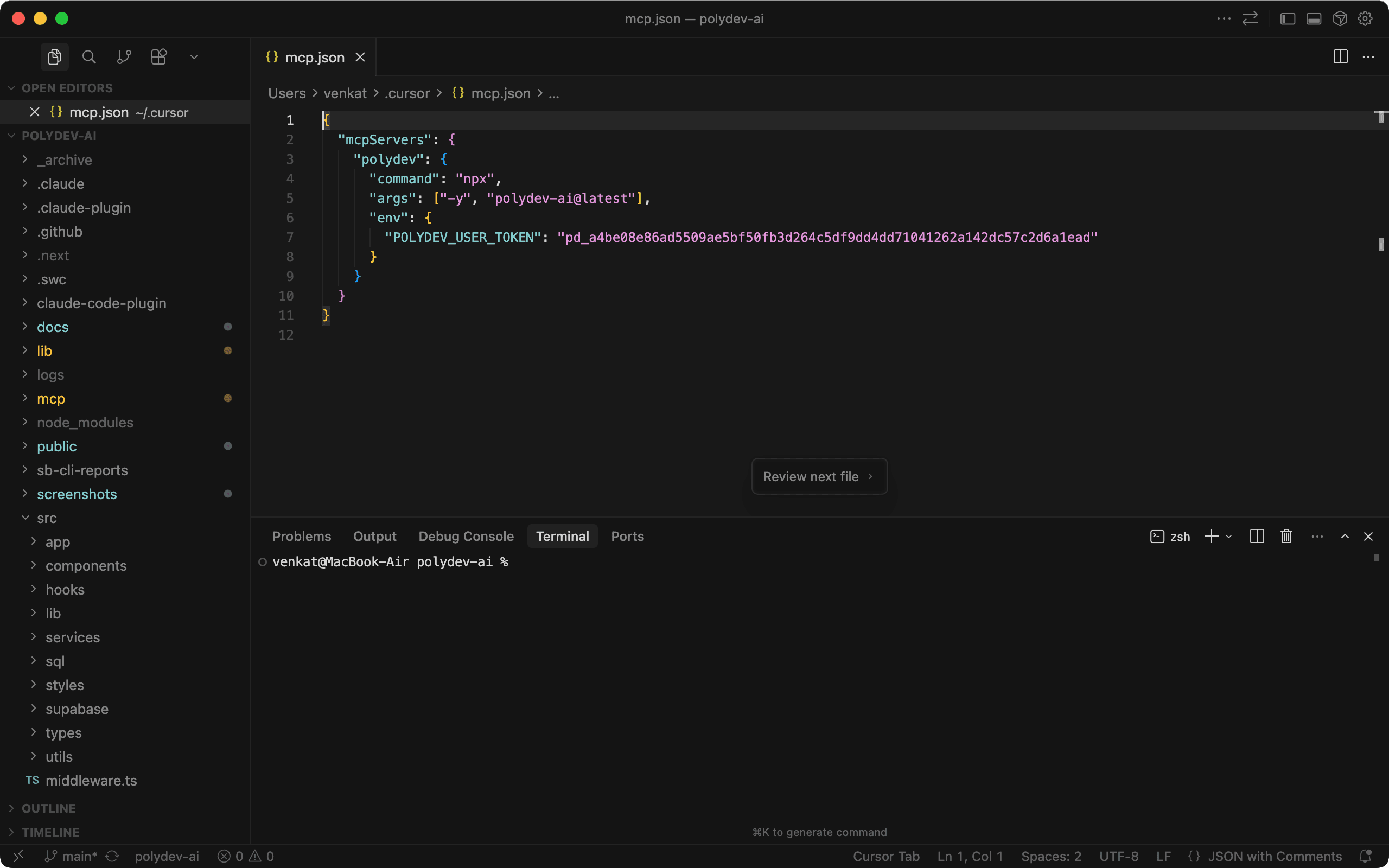
Cursor MCP settings with Polydev configured
Install in 60 seconds
1 Install Polydev (requires Node.js):
npm install -g polydev-ai2 Login from any terminal — opens your browser and saves your token automatically:
polydev-ai loginOr get your token manually from polydev.ai/dashboard/mcp-tokens
3 Add Polydev to your Cursor MCP config. Edit ~/.cursor/mcp.json:
{
  "mcpServers": {
    "polydev": {
      "command": "npx",
      "args": ["-y", "polydev-ai@latest"]
    }
  }
}
If you got your token manually instead of using polydev-ai login, add an env block: "env": { "POLYDEV_USER_TOKEN": "pd_xxx" }
4 Restart Cursor or reload the window with Cmd+Shift+P → "Reload Window"
5 Open composer with Cmd+I and ask for perspectives
What Polydev adds
MCP Tool
polydev.get_perspectives — queries multiple AI models in parallel
Response time
10-40 seconds (parallel queries to multiple providers)
Use cases
Debugging, architecture decisions, code reviews, security analysis
Example: useEffect debugging
In Cursor composer, type: Use polydev to get perspectives on: What causes React useEffect infinite loops?
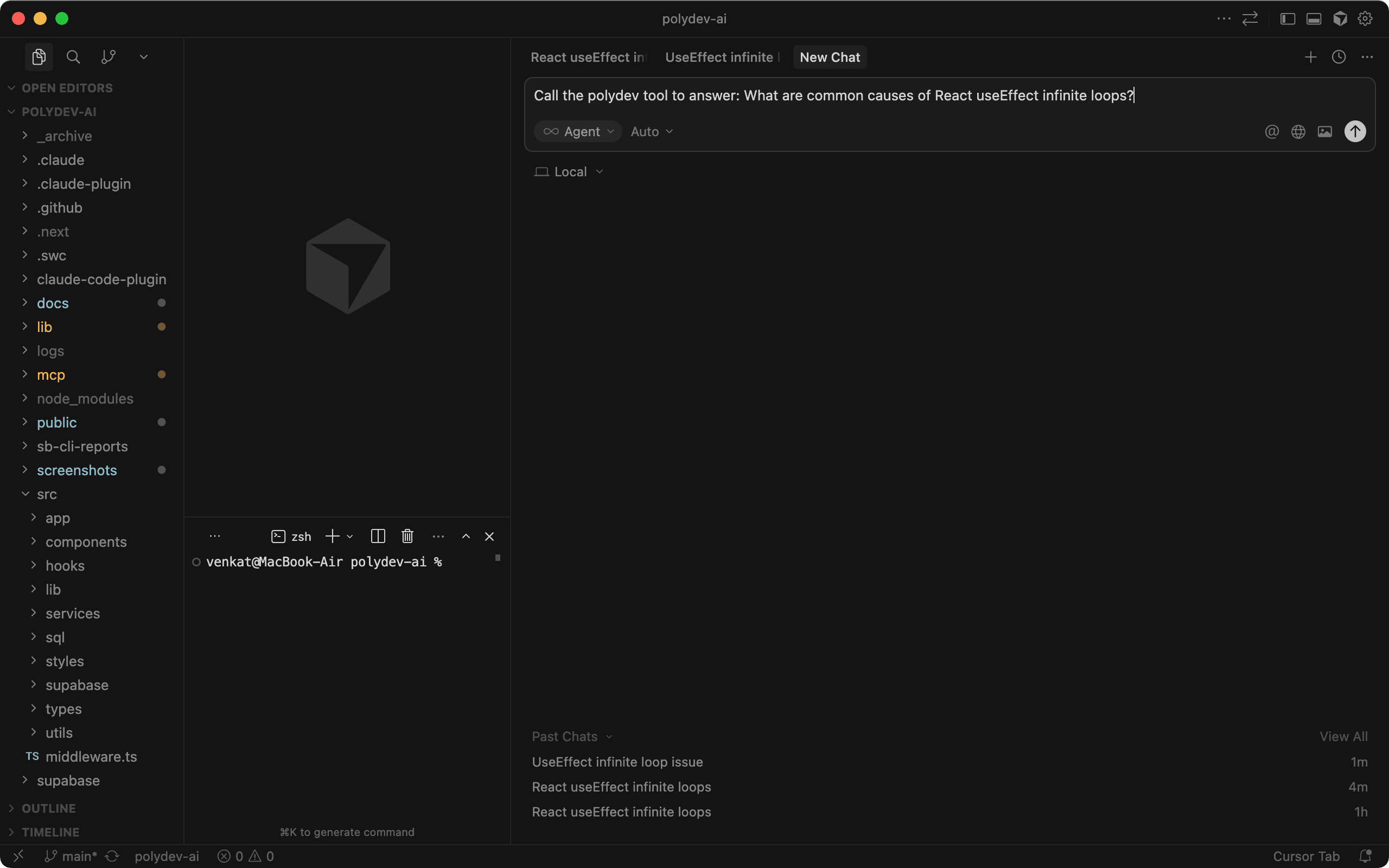
Typing a polydev prompt in Cursor composer
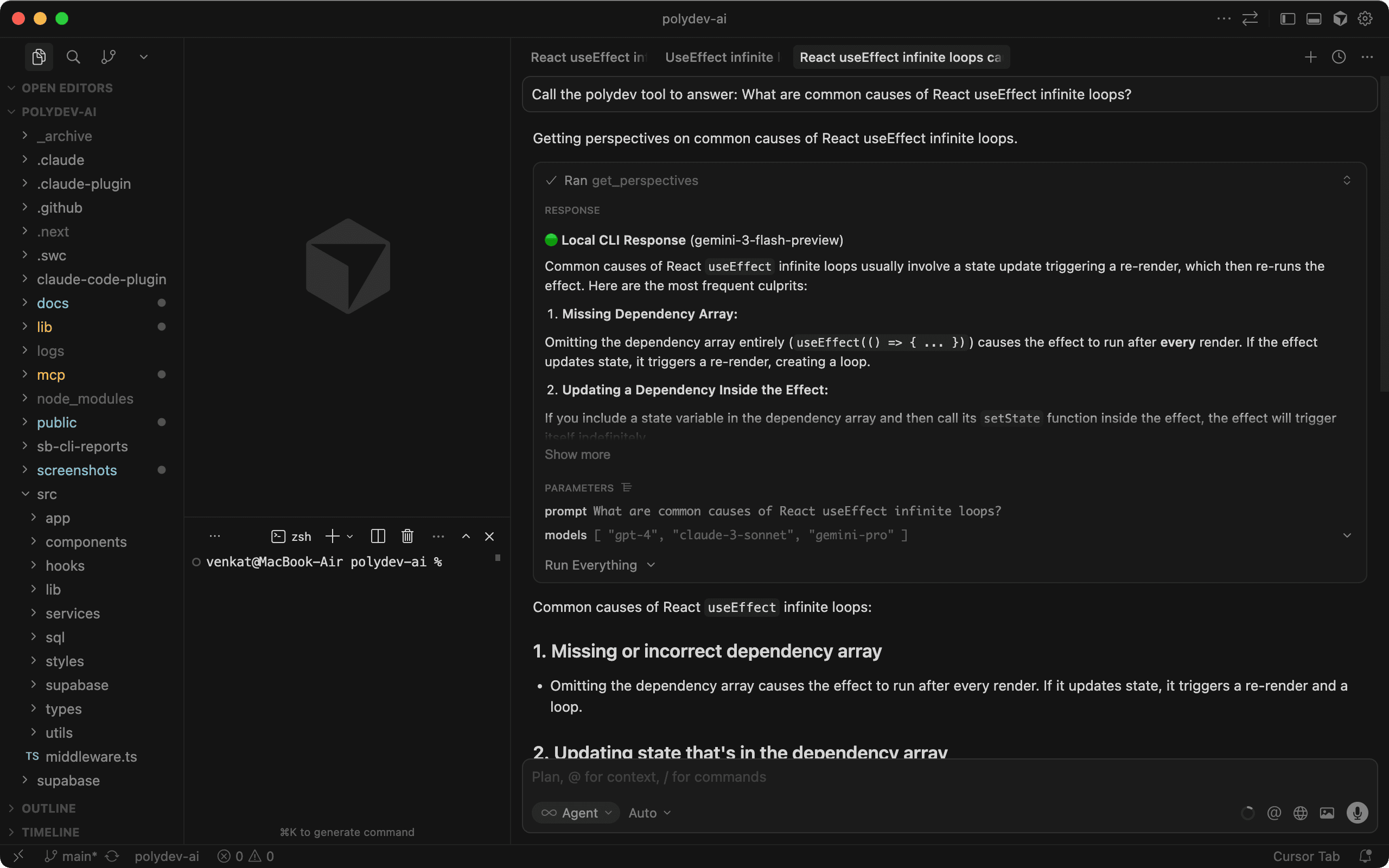
Cursor processes the request and queries multiple AI models
How to use it
Just mention "polydev" or "perspectives" in your prompt. Cursor's agent will call the get_perspectives MCP tool:
Debugging
"Use polydev to debug this infinite loop"
Architecture
"Get perspectives on: Redis vs PostgreSQL for caching?"
Code review
"Use polydev to review this API for security issues"
Cursor-specific tips
Use with @codebase
Combine Polydev with Cursor's @codebase for context-aware multi-model consultation.
Agent mode works best
Enable Agent mode in composer for Polydev to automatically call the MCP tool.
Project-specific config
Create .cursor/mcp.json in your project root for per-project settings.
Auto-Invocation with .cursorrules
Make Cursor automatically consult Polydev when you're stuck or making decisions. Cursor supports multiple ways to configure AI rules:
.cursorrulesProject root file — read at the start of every AI conversation for this project.
.cursor/rules/Directory for organized, multi-file rules. Each .mdc file is a separate rule set.
Cursor Settings → Rules for global rules across all projects.
Add this to your .cursorrules:
# Auto-Invoke Polydev for Multi-Model Perspectives

When the user encounters any of these situations, automatically
use the polydev MCP tool (get_perspectives) to consult multiple
AI models before responding:

1. User says "stuck", "confused", "not sure", or "can't figure out"
2. Comparison questions: "Should I use X or Y?"
3. Security or code review requests
4. After 2-3 failed debugging attempts
5. Architecture or design decisions
6. Performance optimization questions

Example: If user says "I'm stuck on this auth bug", call
polydev.get_perspectives with the problem context before answering.
How it works: Cursor reads .cursorrules at the start of every AI conversation. These rules tell the agent when to automatically call Polydev without you having to ask. Make sure Agent mode is enabled in Composer for MCP tools to work.
Troubleshooting
MCP not available?
Check ~/.cursor/mcp.json syntax. JSON is strict—ensure proper commas and quotes.
Token not found?
Verify your token starts with pd_ and is correctly set in the env section.
npx path issues?
Use the full path in your config. Find it with:
which npxSlow responses or timeouts?
Multi-model queries take 10-60 seconds depending on prompt complexity. Cursor does not currently support configurable MCP tool timeouts. Polydev handles timeouts server-side (400 seconds), but if Cursor's built-in timeout cuts the connection early, try breaking complex prompts into simpler questions.
Ready to try it?
Free tier: 500 messages/month