Using Polydev with Claude Code
Get unstuck faster by consulting multiple AI models. When Claude alone can't solve your bug, Polydev queries multiple AI models in parallel—different training data catches different issues.
Also works in other IDEs: The core MCP tool get_perspectives works in any MCP-compatible IDE — Cursor, Windsurf, Cline, and Codex CLI. The Claude Code plugin adds exclusive features like /polydev slash commands, /polydev-login, and automatic CLAUDE.md rules. See our IDE-specific guides for setup instructions.
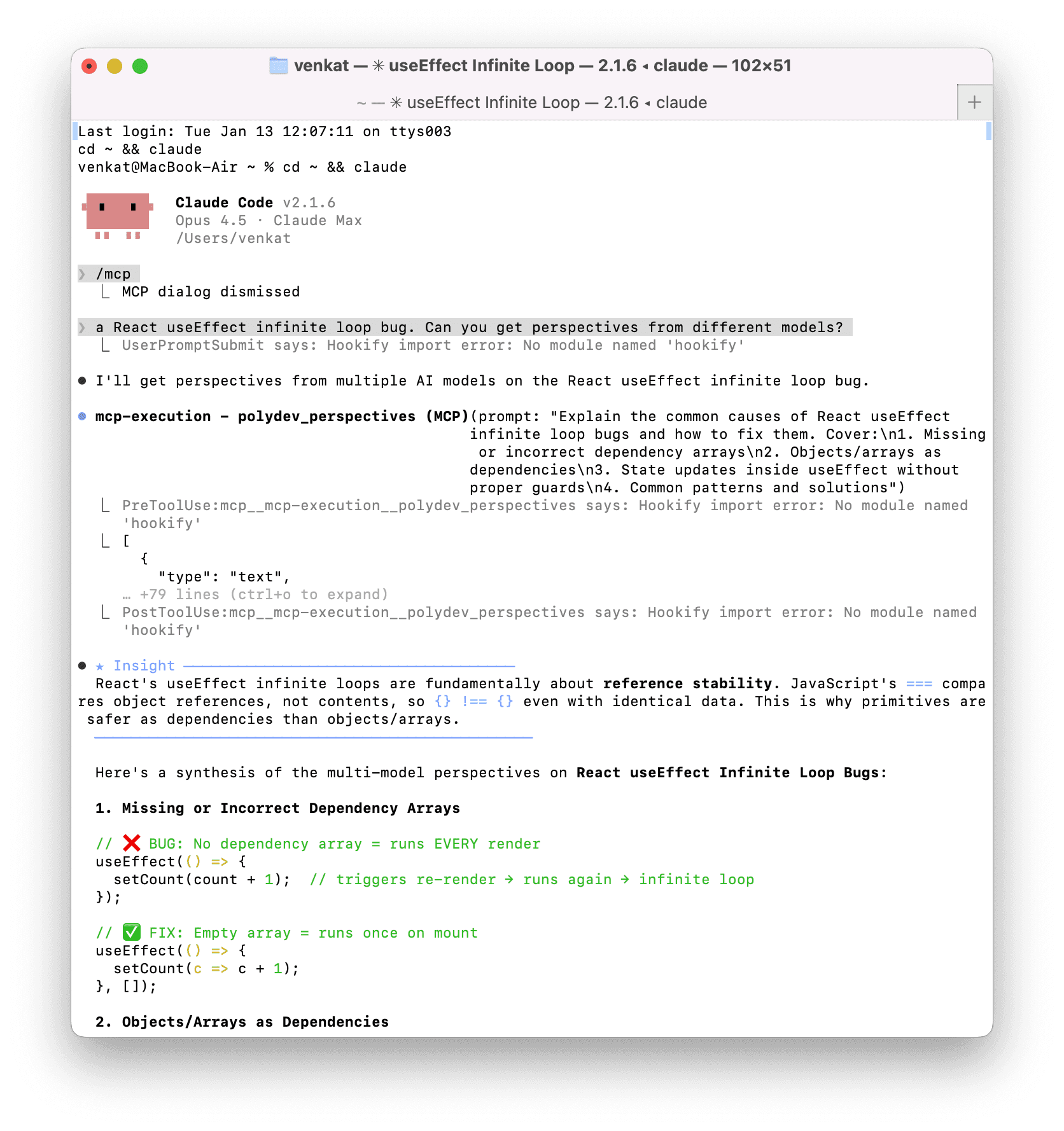
Claude Code calling Polydev MCP to get perspectives from GPT-4, Gemini, and Grok
Install in 60 seconds
1 Install Polydev (requires Node.js):
npm install -g polydev-ai2 Login from any terminal — opens your browser and saves your token automatically:
polydev-ai loginOr get your token manually from polydev.ai/dashboard/mcp-tokens
3 Add the marketplace:
/plugin marketplace add backspacevenkat/polydev-claude-code-plugin4 Install the plugin:
/plugin install polydev5 Restart Claude Code. Run /mcp to verify.
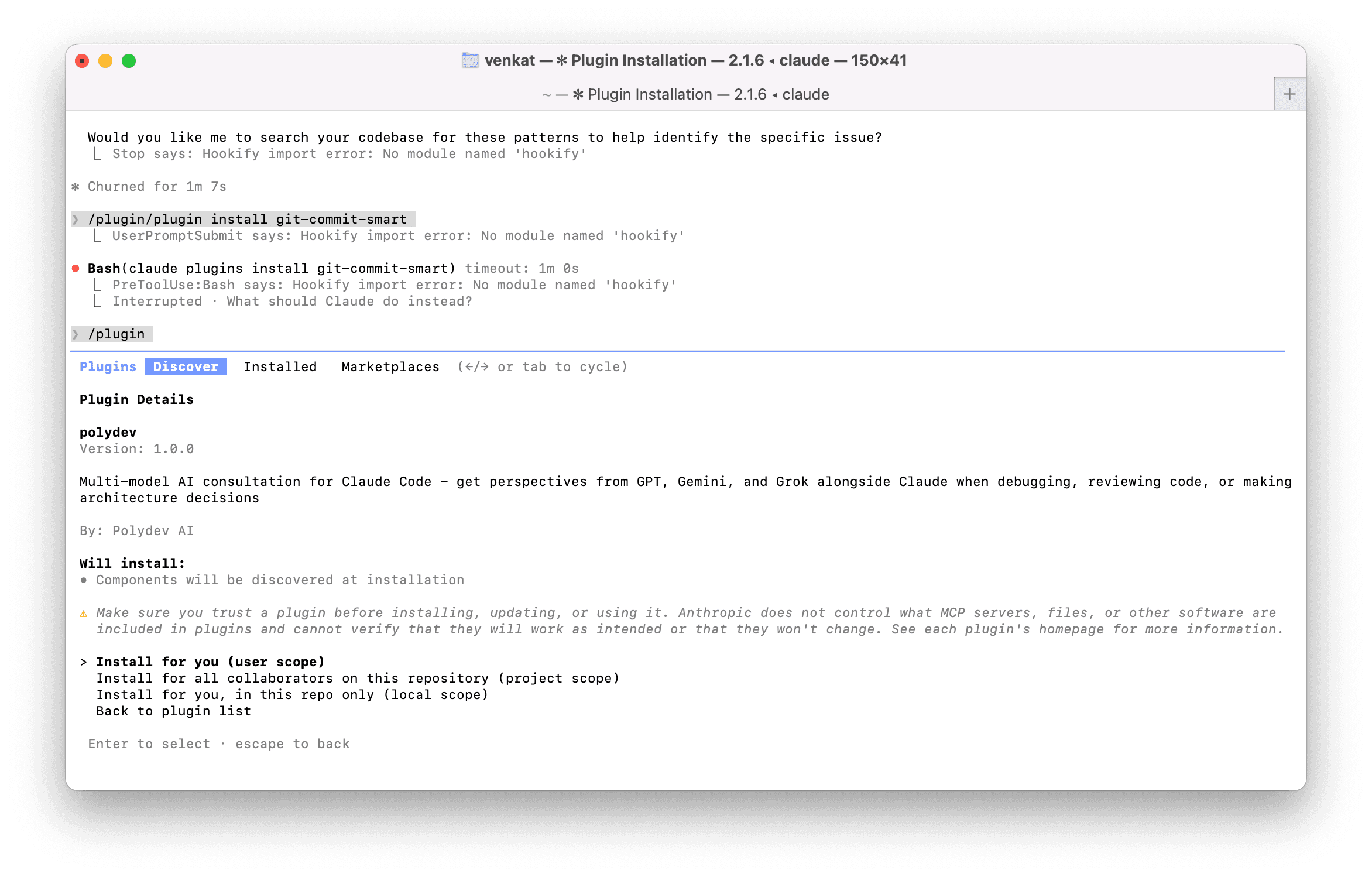
Finding Polydev in the Claude Code plugin manager
What the plugin installs
MCP Server
polydev_perspectives — tool that queries multiple AI models in parallel
Slash commands
/perspectives and /polydev-help
Auto-invocation rules
CLAUDE.md config that triggers multi-model consultation when you say "stuck", ask comparison questions, or request security reviews
How to use it
Just describe your problem. Claude will automatically call Polydev when it makes sense, or you can explicitly ask:
Debugging
"I'm stuck on this React infinite re-render. Get different perspectives."
Architecture
"Should I use Redis or PostgreSQL for session storage? /perspectives"
Security review
"Review this auth implementation using polydev."
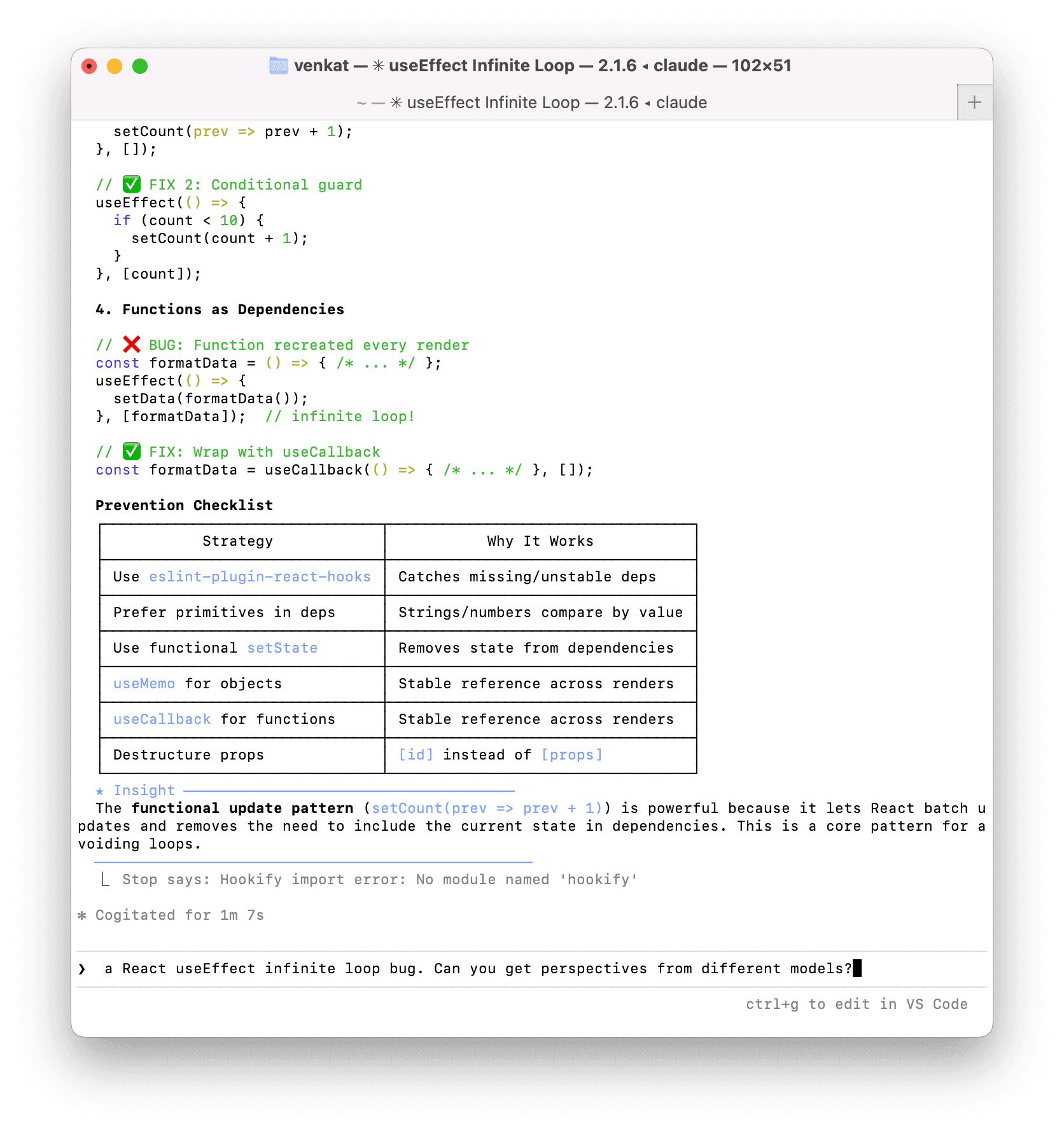
Multi-model consensus showing bug patterns and fixes
Plugin vs MCP vs Skills
Claude Code has three extension mechanisms. The Polydev plugin bundles all three:
| MCP | Skills | Plugin | |
|---|---|---|---|
| What it is | External tools/APIs | Prompt templates | Bundle of all three |
| Runs code | Yes | No | Yes |
| Slash commands | No | Yes | Yes |
| Auto-invocation | No | No | Yes (CLAUDE.md) |
| One-click install | No | No | Yes |
Use the plugin for the full experience. If you only want the MCP tool without slash commands, see the manual config below — the MCP tool get_perspectives is the universal interface that works across Claude Code, Cursor, Windsurf, Cline, and Codex CLI.
Auto-invocation with CLAUDE.md
The plugin includes a CLAUDE.md that tells Claude when to automatically consult multiple models. You can also customize it by editing ~/.claude/CLAUDE.md or adding a project-level .claude/CLAUDE.md in your project root:
# Auto-Invoke Polydev

Use the polydev_perspectives MCP tool automatically when:

1. User says they're "stuck", "confused", or "not sure"
2. Asking comparison questions ("Should I use X or Y?")
3. Reviewing code for security issues
4. After 2-3 failed debugging attempts
5. Architecture or design decisions

Example triggers:
- "I can't figure out why..."
- "Which is better for..."
- "Review this for security"
- "I've tried X and Y but..."
How it works: Claude Code reads CLAUDE.md files at the start of every conversation. The plugin installs these rules automatically, but you can customize them anytime. Global rules go in ~/.claude/CLAUDE.md, project rules in .claude/CLAUDE.md.
Manual MCP configuration
If you prefer not to use the plugin, add this to ~/.claude/settings.json:
{
  "mcpServers": {
    "polydev": {
      "command": "npx",
      "args": ["-y", "polydev-ai@latest"],
      "env": {
        "POLYDEV_USER_TOKEN": "your-token-here"
      }
    }
  }
}
This gives you only the MCP tool—no slash commands or auto-invocation. If you ran npx polydev-ai login, you can remove the env block — the server reads your saved token from ~/.polydev.env automatically.
Troubleshooting
MCP server not showing up?
Run /mcp to check. Make sure POLYDEV_USER_TOKEN is set and restart Claude Code.
Plugin not found?
Add the marketplace first: /plugin marketplace add backspacevenkat/polydev-claude-code-plugin
Slow responses or timeouts?
Multi-model queries take 10-60 seconds depending on prompt complexity. Polydev uses a 400-second timeout server-side. If you experience timeouts, try setting the environment variable in your shell before running Claude Code:
export MCP_TIMEOUT=400000For complex prompts, break them into simpler questions for faster responses.
Ready to try it?
Free tier: 500 messages/month